
SnoozeLock
Production iOS alarm application designed to help users get out of bed by requiring a task before an alarm can be dismissed.
Swift • SwiftUI • AlarmKit • CoreMotion • StoreKit 2 • Camera / Barcode Scanning
Product Overview
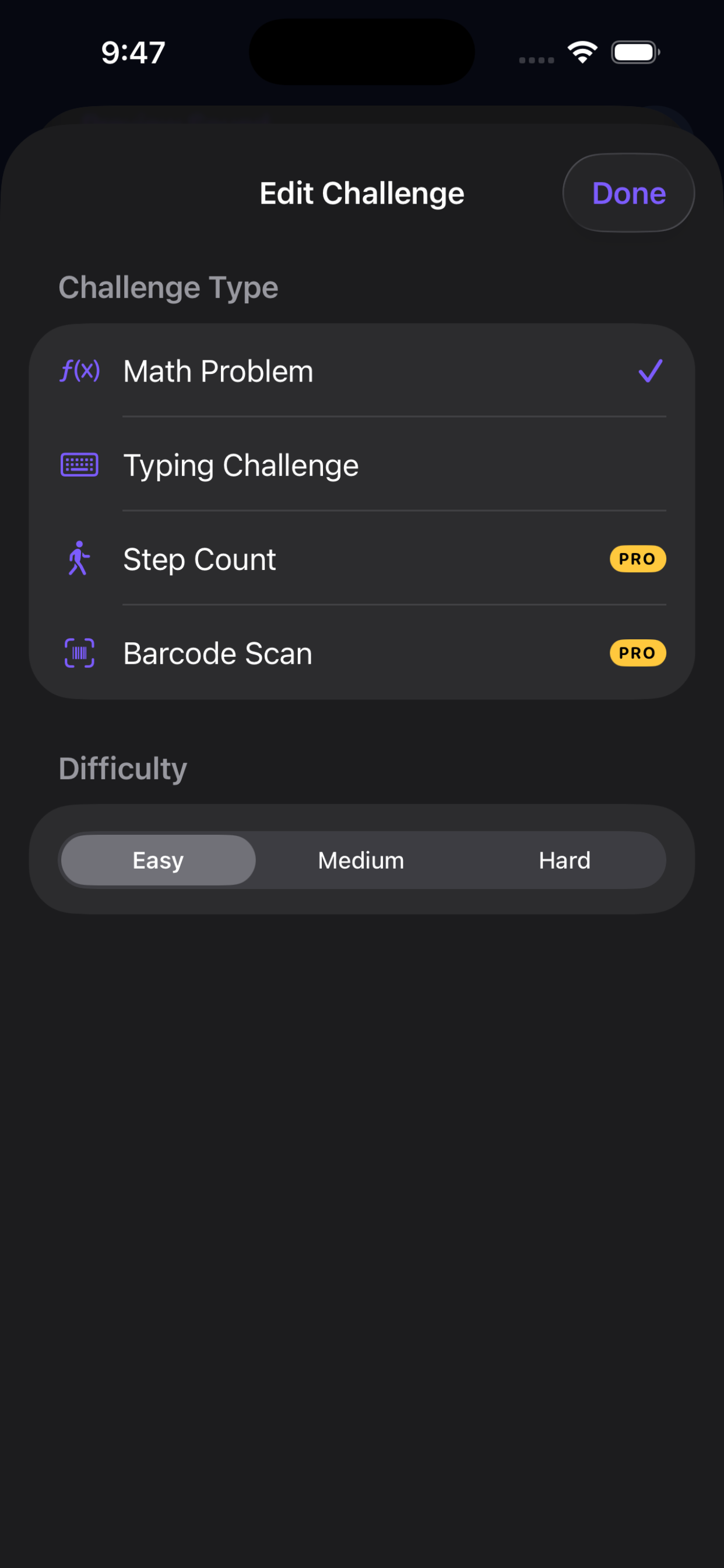
SnoozeLock is a native iOS alarm application built around challenge-driven alarm dismissal. Users can require tasks such as solving a math problem, completing a typing challenge, scanning a barcode, walking a specified number of steps, or recalling their reason for waking up before dismissing an alarm.
Engineering Challenges
Alarm functionality depends on reliable behavior across application state changes and real-world device conditions. The application must preserve alarm configuration, challenge state, and dismissal rules while coordinating with Apple's AlarmKit framework.
Several challenges also depend on native device capabilities. Step Count uses motion data, while Barcode Scan requires camera access and real-time barcode recognition. These workflows must integrate cleanly with the alarm state while remaining simple for the user.
What I Built
- Native alarm creation and scheduling using Apple's AlarmKit framework.
- Math and typing challenges with configurable difficulty levels.
- Camera-based barcode scanning as an alarm dismissal challenge.
- Step-count challenges using native motion data.
- Mission Recall workflows that reinforce the user's reason for waking up.
- Challenge Stacking for completing multiple dismissal tasks in sequence.
- State-driven SwiftUI interfaces for alarm configuration, challenge selection, and premium functionality.
- One-time Pro monetization using StoreKit 2 with purchase restoration and premium feature gating.
Architecture & Technical Decisions
SnoozeLock uses state-driven SwiftUI architecture to coordinate alarm configuration, challenge selection, challenge execution, and premium feature access.
Challenge types are structured so that new dismissal methods can be added without tightly coupling them to the rest of the alarm workflow. This also supports Challenge Stacking, where multiple challenges can be completed sequentially before an alarm is dismissed.
Native Device Integration
SnoozeLock integrates with multiple Apple device capabilities, including AlarmKit for alarm behavior, CoreMotion for step-count challenges, and camera access for barcode scanning.
These features require permission handling, device testing, and careful coordination between application state and hardware-dependent workflows.
Testing & Release
SnoozeLock was tested extensively on physical iPhone hardware because alarm behavior, motion tracking, barcode scanning, and other device-dependent functionality cannot be fully validated in the simulator.
I managed the production release process including device testing, StoreKit validation, App Store Connect configuration, privacy disclosures, App Review submission, and production deployment.
Product Development
SnoozeLock was designed around an extensible challenge system rather than a single alarm-dismissal method. This allows new challenges and premium functionality to be added while preserving a consistent alarm and challenge workflow.